mtstudioassets.github.io
🌍 Planet Generator Pro
Planet Generator Pro is a complete Unity toolkit for creating customizable spherical planets — realistic or stylized.
It includes atmosphere rendering, terrain shading, toon water, player gravity controllers, and orbital systems.
✨ Features
- 🌌 Atmosphere rendering – adjustable height, density, and color
- 🏔 Terrain shading – vertex color–based system for varied surfaces
- 🌊 Toon water – depth, foam, and color customization
- 🛰 Orbital systems – dynamic planetary setups
- 🧑🚀 Player gravity controllers – seamless gravity on spherical worlds
- ⚡ Modular design – use only the systems you need
🎮 Suitable For
- Sci-fi adventures
- Space survival games
- Exploration simulators
- Stylized low-poly projects
Whether you need a realistic Earth-like planet, a glowing alien world, or a prototype environment — Planet Generator Pro adapts to your project.
📂 Package Contents
- Fully commented C# scripts
- Customizable shaders
- Demo scenes for each feature
- Documentation & usage examples
🚀 Quick Start
- Import the package into your Unity project.
- Open one of the included demo scenes.
- Adjust parameters (atmosphere, water, gravity, orbit, etc.) to fit your needs.
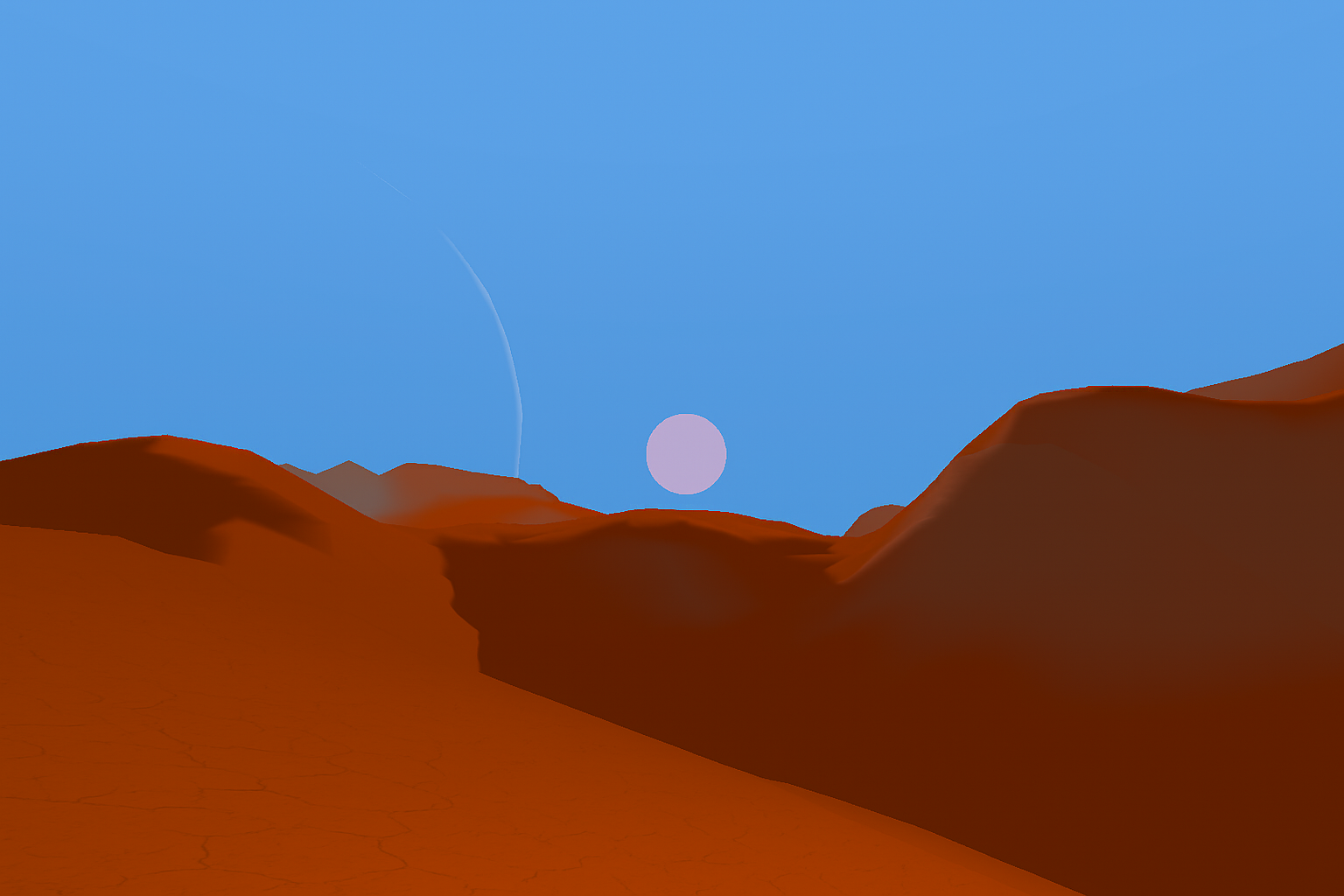
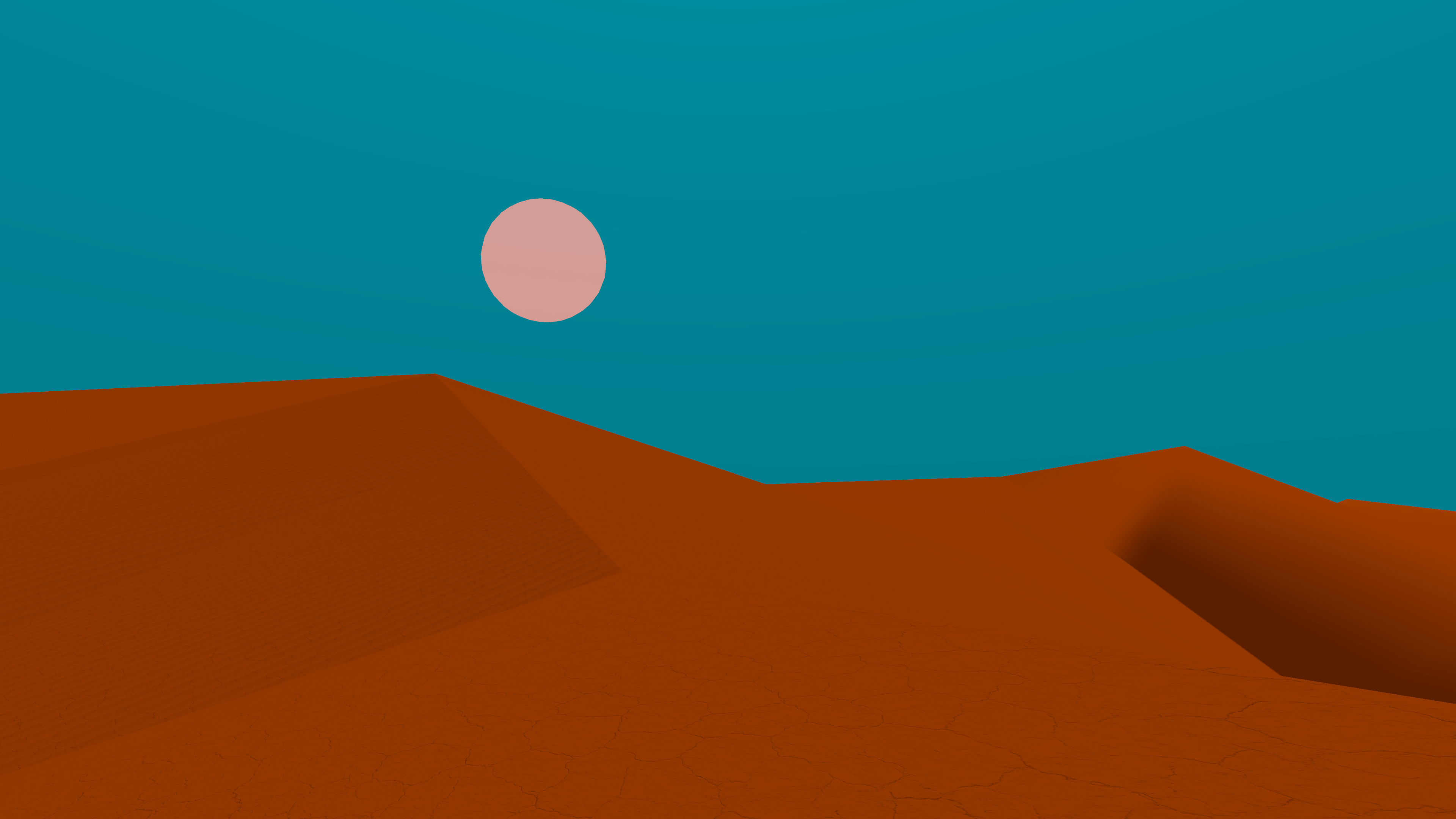
📸 Screenshots

📬 Contact
- Publisher: MT STUDIO ASSETS
- Email: tamerlan9058@gmail.com
🌊 Procedural Infinite Ocean with Terrain
Procedural Infinite Ocean with Terrain is a modular Unity toolkit that procedurally generates an endless ocean surface with optional underwater terrain. It provides streaming chunk-based LOD, thread-safe height generation, per-chunk materials, environment switching (above / below water), and utilities for player movement and fog. Ideal for open-world exploration, survival, and simulation projects that use the Built-in Render Pipeline (BRP).
✨ Key Features
Procedural infinite ocean with seamless chunk streaming and pooling
Per-chunk LOD and smooth morphing from placeholder to final mesh
Optional underwater terrain (heightmap-driven meshes) with erosion support
Thread-safe height generation (ThreadSafePerlin) for background mesh generation
Real-time sea level updates and per-chunk material properties (_ChunkWorldPos, _SeaLevel)
Trigger-driven depth fog controller with smooth restore behavior
Player-friendly systems: First-person controller with swimming/auto-submerge, FollowPlayerXZ, and ToggleByHeightWithSwap
Configurable GenGrid mesh generator with edge-fade vertex colors and foam/detail material parameters
Clean, documented C# code with no external Asset Store dependencies
Designed for Built-in Render Pipeline (BRP)
🎮 Suitable For
Open-world exploration and survival games
Marine or coastal environments and simulations
Games requiring large-scale water with dynamic shoreline/underwater visuals
Prototyping or production use where procedural streaming and performance matter
🧩 Package Contents
C# scripts (namespace ProceduralInfiniteOceanWithTerrain)
HeightMapGenerator + ThreadSafePerlin (thread-safe Perlin & fBM)
ChunkComponent (per-chunk generation, blend/morph, colliders)
ChunkManager / ChunkedOceanManager (streaming managers; one supports sea level control and flexible component discovery)
OceanChunk (lightweight chunk variant that updates material props)
GenGrid (grid mesh generator + material property pusher)
FirstPersonController (walking, jumping, swimming, auto-submerge)
FollowPlayerXZ (XZ follower with fixed Y and Rigidbody/Transform support)
ToggleByHeightWithSwap (swap objects above/below threshold)
TriggerFogPanel (trigger volume-driven fog with smooth restore)
ScreenshotCapture (utility to capture screenshots respecting aspect ratio)
Example/demo scene(s) illustrating usage and recommended settings
Default shaders/materials placeholders (shader property names are documented)
Documentation (README, quickstart, API notes)
🛠 Quick Start
Create an empty GameObject OceanRoot in your scene.
Add the ChunkManager component and assign your player Transform and a chunk prefab.
Create a chunk prefab containing MeshFilter, MeshRenderer, MeshCollider and the ChunkComponent (or OceanChunk if you prefer the lightweight variant). Assign an ocean material.
Add a single HeightMapGenerator GameObject (singleton) and configure noiseScale, octaves, and randomSeed.
Add TriggerFogPanel volumes where you want depth-driven fog effects.
Optionally add FirstPersonController to your player for swimming and auto-submerge behavior.
Run the scene — chunks will stream around the player automatically. Tune distances, LOD scale, and erosion parameters to balance quality and performance.
🔧 Important Notes & Settings
Built-in Render Pipeline only: This package uses RenderSettings fog and material workflows tailored to the built-in pipeline. For URP/HDRP, fog and volumes must be adapted (the package logs SRP detection).
Thread-safety: Heavy noise/height computations use GetHeightNormalizedThreadSafe() and ThreadSafePerlin. Mesh/Material changes always occur on the main thread.
Shader property names: The package pushes properties such as _ChunkWorldPos, _SeaLevel, _ChunkSize, and _EdgeFadeSize. Ensure your shader reads these properties or update the scripts accordingly.
Pools & performance: Managers use pooling to avoid GC churn. Tune visibleDistanceInChunks, loadDistanceInChunks, and updateInterval to fit platform performance.
Erosion & quality: erosionIterations, talusAngle, and erosionFactor increase realism but cost CPU — reduce for lower-end targets.
⚠️ AI Disclosure
Some textures and partial script assistance were created with the aid of AI tools. All content has been reviewed, tested, and integrated manually.